Idea and Inspiration
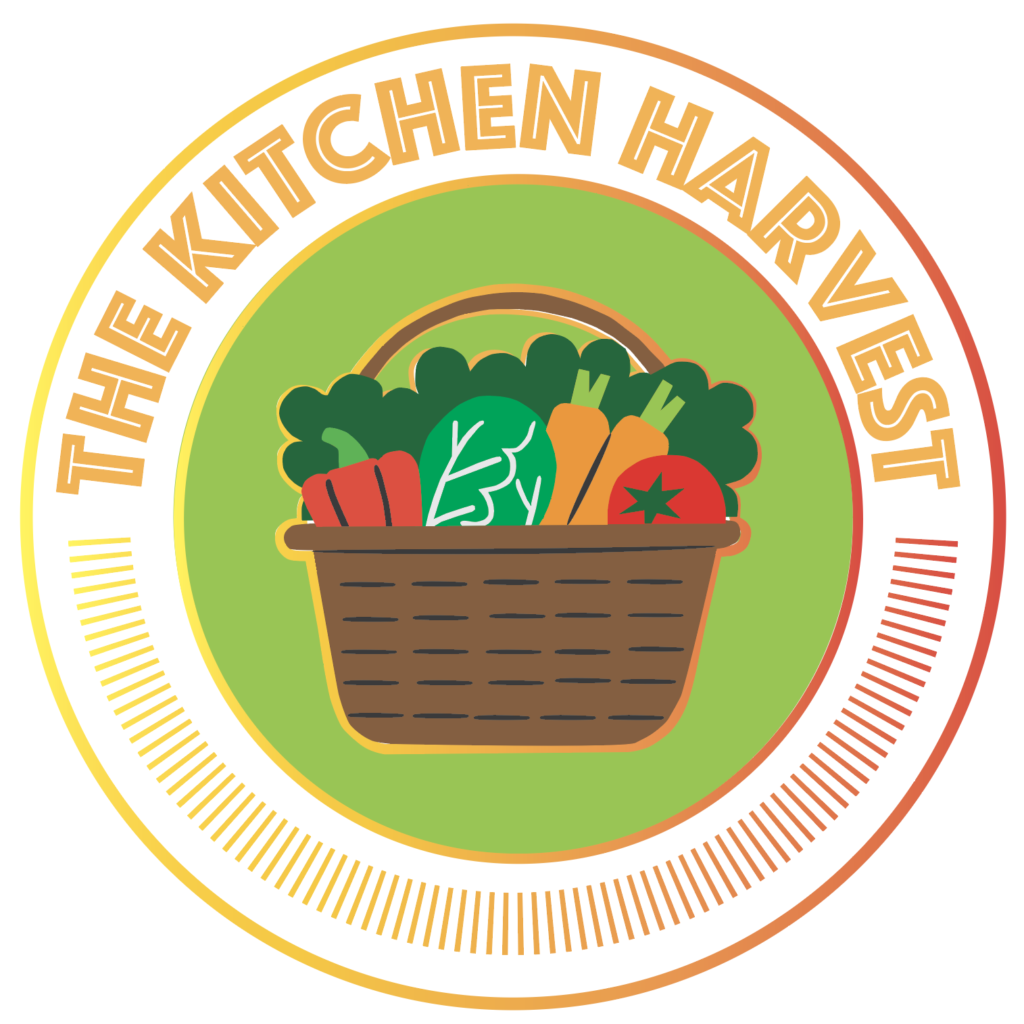
The idea that inspired this logo design came from the fifth tutorial we did for this unit. I found that this tutorial explored a lot of central tools that illustrator offers, and it was fun getting to make my own twist of applying the skills from the tutorial. I wanted my logo to give off a happy, healthy, and hungry feeling so I took it upon myself to research some key elements that feels like a kitchen harvest. When I think of a kitchen harvest, I picture myself picking fresh fruits and vegetables from my home garden in my backyard. For that reason, it is why I chose to use a fruit and vegetable basket as, essentially, the mascot.
Design Process
The design process took me quite a long time. A lot of the edits that I had to make were focused more on the little details such as corners and scaling pieces to fit together seamlessly. As mentioned before, I researched some images of a fruit and vegetable basket to offer inspiration for the image. Constructing my own fruit and retable basket on illustrator took up most of the time spent working on this project. I also thought that having the name of the blog in plain sight helps viewers establish that this is the logo for this site. I wanted each element to mesh well together, so the goal was to make every inch of the visual to feel equally important. I made sure to not focus too much of the visual attention in a specific place. I began by creating the basket of fruit and vegetables in the middle. that took me quite some time as it has a lot of small details and round edges to consider. I think worked on the outside part of the logo, and that part took the shortest amount of time. Also, filling in certain spaces with a fill color took some trial and error to accomplish the look. The colors that I picked out match a garden vibe with the greenery, while also conveying feelings of hunger with the red and orange. I choose to make the basket brown because it resembles soil which I think adds on to the feeling of happy and healthy,
Technical Detail
The program that I used to create this logo was through adobe illustrator. The following are tools that were used for this project: the selection tool, the direct selection tool, the ellipse tool, the pen tool, the scissors tool, the shape builder tool, the text on path tool, as well as making adjustments in the properties tab. Throughout constructing this project, there were numerous problems that came up. Most of the problems were due to missing an essential step, such as adding a fill color/stroke color.
Sources and Materials
https://www.istockphoto.com/vector/vegetable-basket-gm1485073657-511144581